
Databook
Use Data > Databook to review the selected data set as grouped beam-data tables.
Open a Databook
Section titled “Open a Databook”- Open Data > Databook.
- Select the institution, linear accelerator, and data set.
- Confirm the header shows the intended data set.
For more detail on the data set selector, see Select a Data Set.

What to Review
Section titled “What to Review”The Databook groups the selected scan data into clinical beam-data summaries. Use it when you want to review grouped beam data and confirm that the expected entries are present.
Databook tabs include:
| Tab | Use It For |
|---|---|
| TG-51 | Reference-field and TG-51-oriented summary values. |
| PDDs | Percent depth dose groupings. |
| Scatter | Output factor and scatter groupings. |
| OARs | Off-axis ratio data, including wedge OARs when present. |
| Cone Factors | Cone factor data. |
| VSD | Virtual SSD and related depth groupings. |
| Wedge Factors | Wedge factor summaries. |
| Scp/Sc/Sp | Total, collimator, and phantom scatter summaries. |
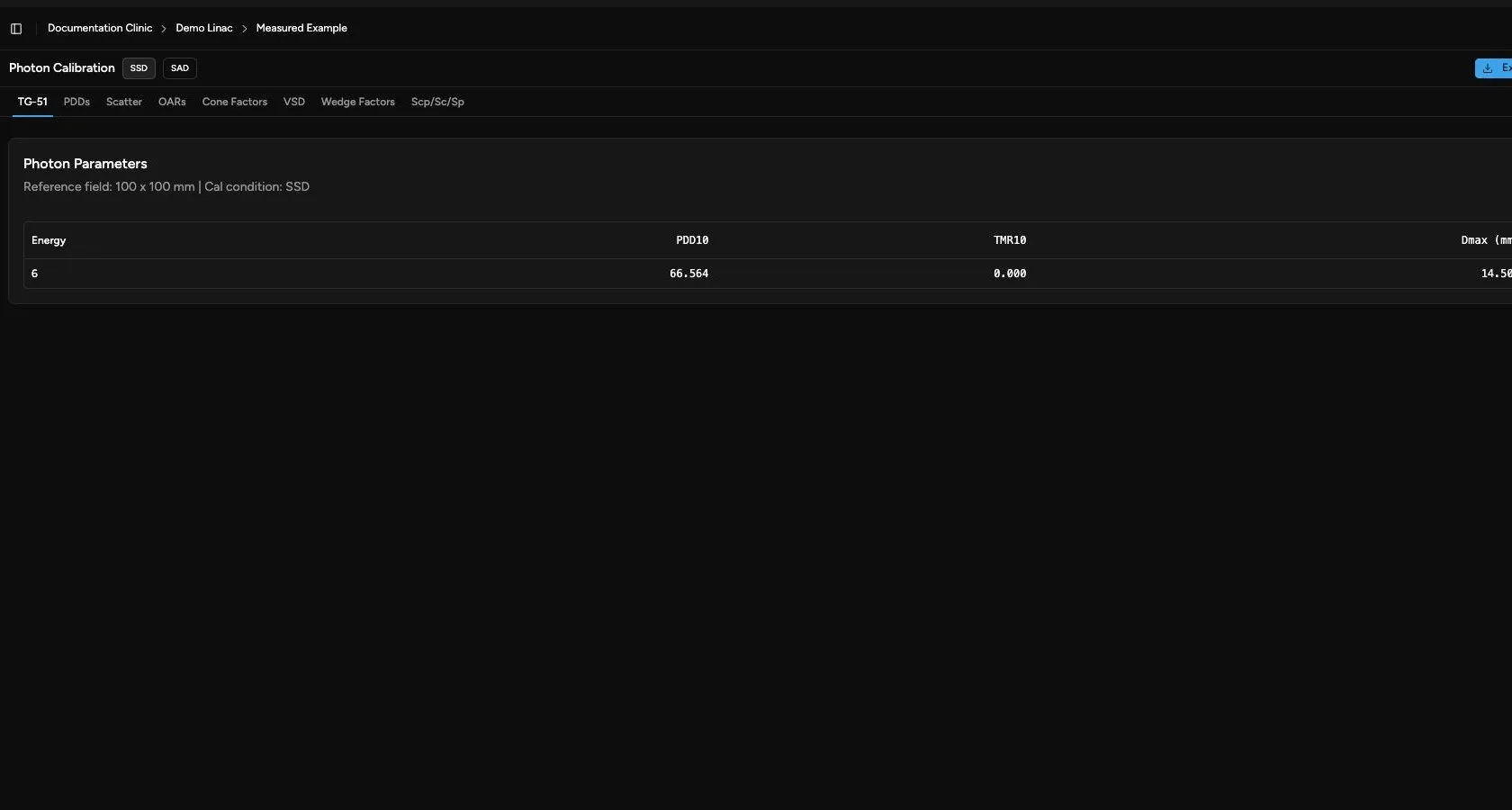
Before relying on the Databook:
- Confirm the selected data set.
- Check that the expected photon and electron data are present.
- Watch for missing or unavailable scans.
- Confirm that the reference fields shown for electron data match your intended review.
The Databook TG-51 tab is derived from scan data. It is different from the saved absolute-dose calibration record and report under Calibration > TG-51. See TG-51 Overview when you need to enter calibration measurements or export a TG-51 calibration report.
Settings and Export
Section titled “Settings and Export”The Databook toolbar can include:
- Electron Ref Field when electron reference fields are available.
- Photon Calibration with SSD and SAD choices.
- Export for exporting the Databook output.
Relationship to Scans
Section titled “Relationship to Scans”Scans and Databook remember their data set selections independently. Opening Databook directly may restore a different data set from the one most recently used on the Scans page.